Registration Required

Registration Required
QR Code
Scan to open this game on a mobile device.

Game Description:
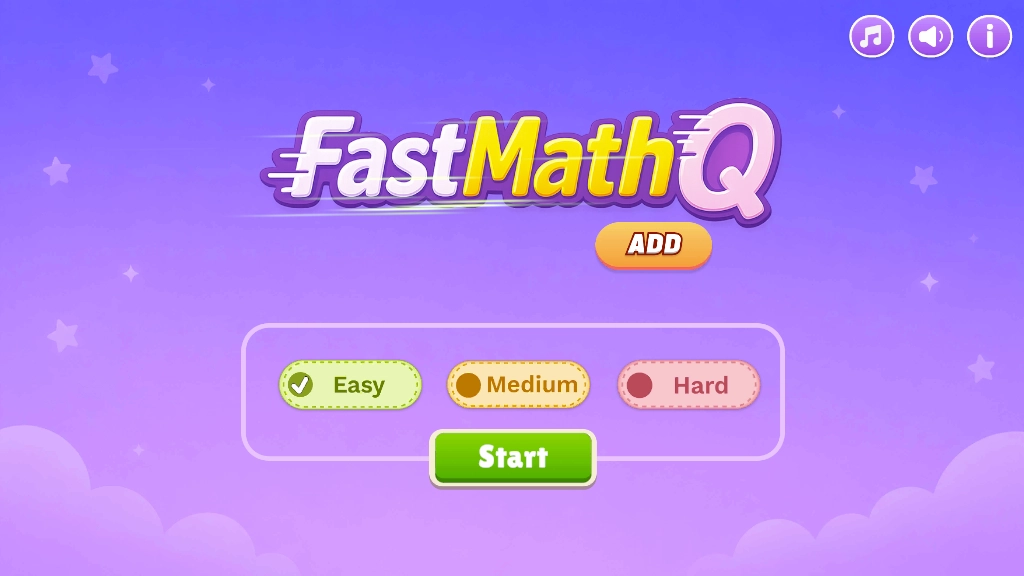
FastMathQ Add is a fast-paced addition game designed for students in Grade 4. The game features easy, medium, and hard settings to accommodate Grade 4 students who have different levels of experience and skill in addition.
Have Fun While Practicing Addition
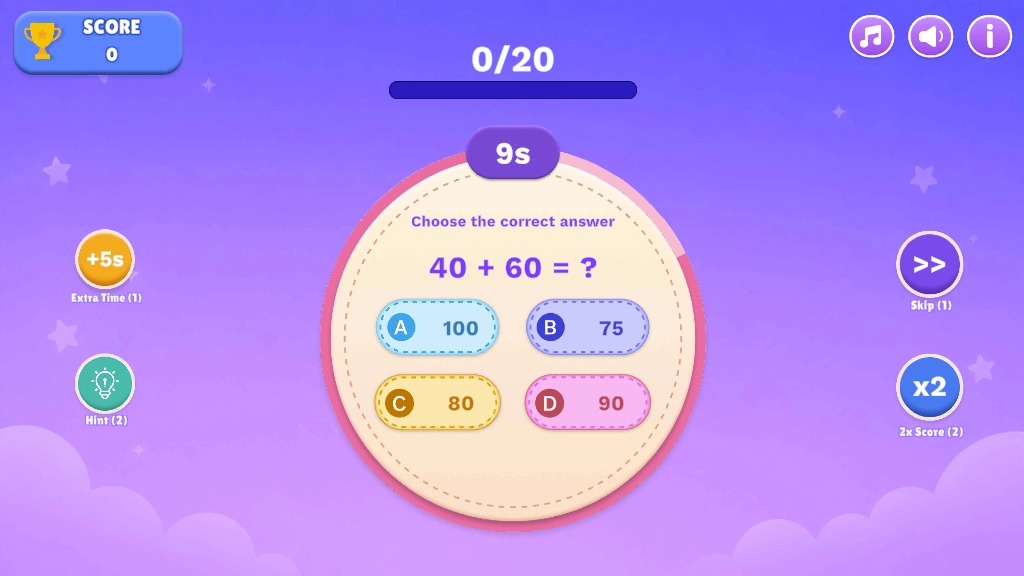
Students must select whether they want to play the easy, medium, or hard difficulty setting. After that, they will be presented with a total of 20 addition problems to solve, each one with four multiple-choice answers. The objective is to choose the correct answer to each addition problem as the students navigate through all 20 problems. The more correct answers given, the more points scored and the better chance of winning the gaming session.
Grade 4 students will find these addition problems to be both fun and challenging at the same time. They are a little more advanced addition problems with bigger numbers, such as 75 + 25 and 45 + 40. Each level of the gaming session lasts for approximately 10 seconds, but there are options to add an additional 5 seconds or request a hint on what the correct answer is.
Practice Addition Anywhere
This math game offers the opportunity for Grade 4 students to practice addition problems anywhere and at any device. The game design uses colorful, intriguing sound effects, nice graphics, and animations to captivate the attention of the students and ensure they closely focus on all the addition problems presented to them.
To practice subtraction games, click here
Number Ranges:
This game contains the below number ranges that aligns with Common Core State Standards.
| Easy | Medium | Hard | |
| Addition | 0-100 (Multiples of 5) | 0-50 | 0-100 |
How to Play
- Let the game screen load to 100%. The title screen appears.
- Choose either the Easy, Medium, or Hard difficulty setting. Select the START button to begin the gaming session.
- The addition problem with four possible choices will appear. Choose the correct answer from the choices. You have 10 seconds to answer.
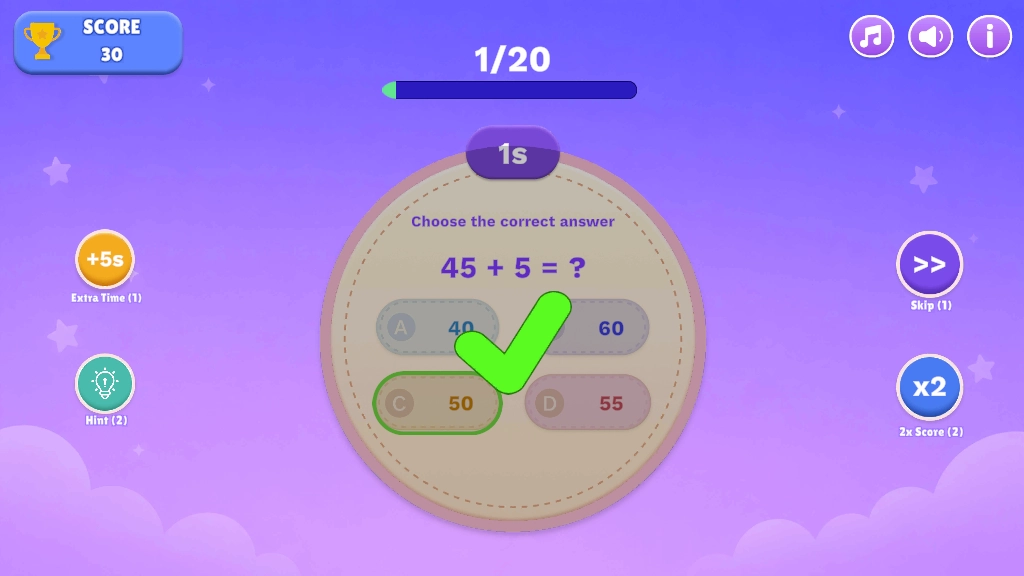
- The game will continue until you go through 20 addition problems. In the end, you will see your score.
- Along the way, you can select Extra Time to add 5 seconds to the timer or Hint to remove two of the four multiple-choice options.
Educational Benefits
- Good for more advanced Grade 4 and elementary school students who want to practice bigger addition problems with double digits.
- Three difficulty settings available to accommodate students with different levels of experience
- Encourages students to think about how to solve bigger addition problems
- Fun animations and particle effects will keep children engaged with the content
Supported Platforms:
This game is supported on the following devices.
| Computers | Tablets | Mobiles |
| Yes | Yes | Yes |
Game Preview: